Best UX Practices for iOS App Design Success: Part 2
Hey! We’re back with Best UX Practices for iOS App Design Success: Part 2! In Best UI Practices for iOS App Design Success: Part 1, we explored the core feature

Hey! We’re back with Best UX Practices for iOS App Design Success: Part 2! In Best UI Practices for iOS App Design Success: Part 1, we explored the core feature
Hey! We’re back with Best UX Practices for iOS App Design Success: Part 2! In Best UI Practices for iOS App Design Success: Part 1, we explored the core features of the iOS app experience, and how to design the UI for the iOS app for the best design success. In Part 2, we will look at the best UX practices for iOS app design success.
Make User Experience (UX) the Heart of Your Design:

- Construct your app with a focus on ease of use and fluidity, reducing the mental effort required by users.
- Dive into the needs and preferences of your audience through meticulous user research, and refine your app’s design by incorporating their feedback and results from user testing.
- Embrace key iOS UX elements such as the tab bar and navigation bar that users know and trust. These are core to the iOS design language, providing a navigation experience that feels second nature for iPhone app users.
Craft Responsive Design for All Screen Sizes:

- Create designs that adjust flawlessly to fit different of iOS devices.
- Take into account various resolutions, screen sizes, and orientations, ensuring your app delivers a consistently superior user experience across iPhones, iPads, and beyond.
Enhance Readability and Typography:

- Select fonts that are easy to read and ensure text is easy to read against their backgrounds.
- Apply adequate contrast to text and background colors for clear visibility.
- Good typography is essential for user accessibility and greatly improves the user experience.
Make Content Layout and Navigation SImple:

- Organize content with a visual hierarchy that first draws attention to the most important information.
- Simplify how users move through your app with instinctive gestures and straightforward layout structures, allowing them to swiftly and effortlessly locate what they want.
Create an Accessibility-Centric Design:
- Commit to a welcoming design that's accessible to all, including those with disabilities. Prioritize accessibility from the start of your app development.
- Follow established guidelines to ensure your app is easy to navigate and legible for everyone, including considerations for text size, and color contrast.
- Ensure your app is compatible with VoiceOver, Apple's screen reader for visually impaired users. Provide clear labels, descriptions, and appropriate navigation controls.
Adopt Iterative Design Fueled by User Insights:
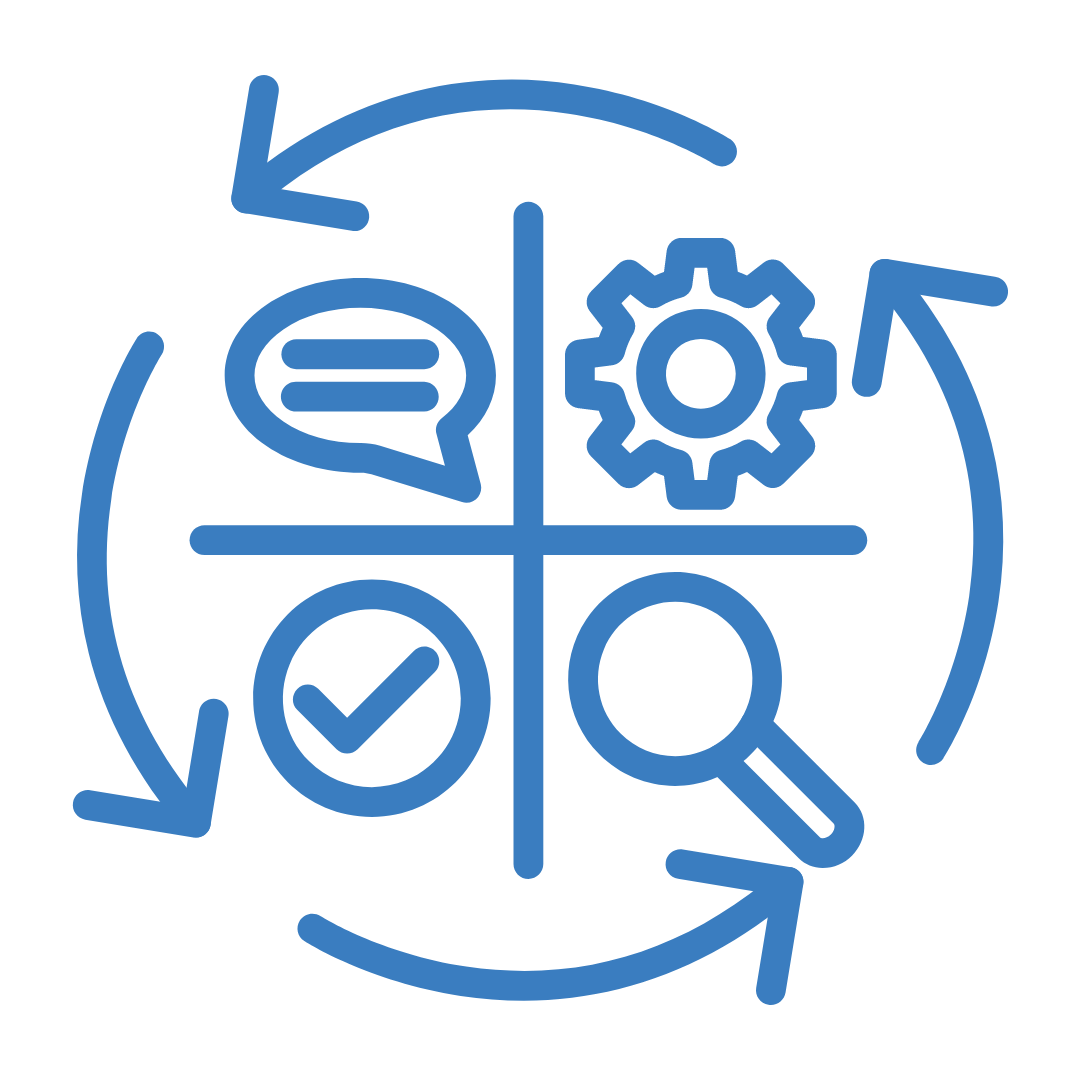
- Embrace an iterative design process that highly regards user input.
- Undertake ongoing testing and refinement, leveraging the insights gained from actual app usage to fine-tune functionality and meet user demands.
- Engage in regular design iterations informed by user feedback and data analysis.
- Implement prototype testing tools to swiftly evolve designs and verify their effectiveness with users.
Use Strategic Layering for Visual Hierarchy:

- Incorporate layering and depth in your app's layout to craft a clear and organized visual hierarchy.
- This subtle technique is a hallmark of iOS UX design and serves to neatly structure your content.
Focus on Content-Centric UX Design:

- Adopt a design mindset that prioritizes content above all.
- By focusing on delivering what users need to see, this content-first philosophy plays a central role in shaping a user-testing approach that truly addresses user preferences and requirements.
By following these directives, your iOS app will not only be user-friendly but also a natural extension of the iOS experience.
So now you can go ahead and create an exceptional iOS app. By following these best practices, you'll be well on your way to building a visually appealing, seamless, and enjoyable app that reflects your brand and meets the needs of your target audience. Our team of experienced iOS developers can help you bring your app vision to life if you need expert help. Contact us today to discuss your project and get started.
Share this blog with your fellow developers and designers to spread the knowledge and help others create amazing iOS apps.