Fine-Tune Your Performance Testing Strategy: Learn How to Test and Optimize Your Application
As QA, we often get asked, “What is the need for performance testing?” or “Do multiple types of testing ensure the quality and performance of the software?”&

As QA, we often get asked, “What is the need for performance testing?” or “Do multiple types of testing ensure the quality and performance of the software?”&
As QA, we often get asked, “What is the need for performance testing?” or “Do multiple types of testing ensure the quality and performance of the software?”
Performance testing in QA is an essential step in the development process of any software application. We run different types of performance tests to identify performance-related bottlenecks. It helps to ensure that the application can handle the expected workload, stress, and user traffic without experiencing any performance issues or degradation.
Importance of Performance Evaluation
Without some form of performance testing in place, system performance will likely be affected by slow response times and experiences that are inconsistent between users and the operating system, creating an overall poor user experience. So it’s crucial to follow all of the steps for performance testing in the best way possible.
Using performance testing tools also helps determine if the developed system meets speed, responsiveness, and stability requirements while under workloads to help ensure a more positive user experience. There are specific tools for performance testing that assure us the app performs well under various circumstances.
Performance Testing Metrics
Now that you have an idea about the need for performance testing, let’s move to performance testing metrics.
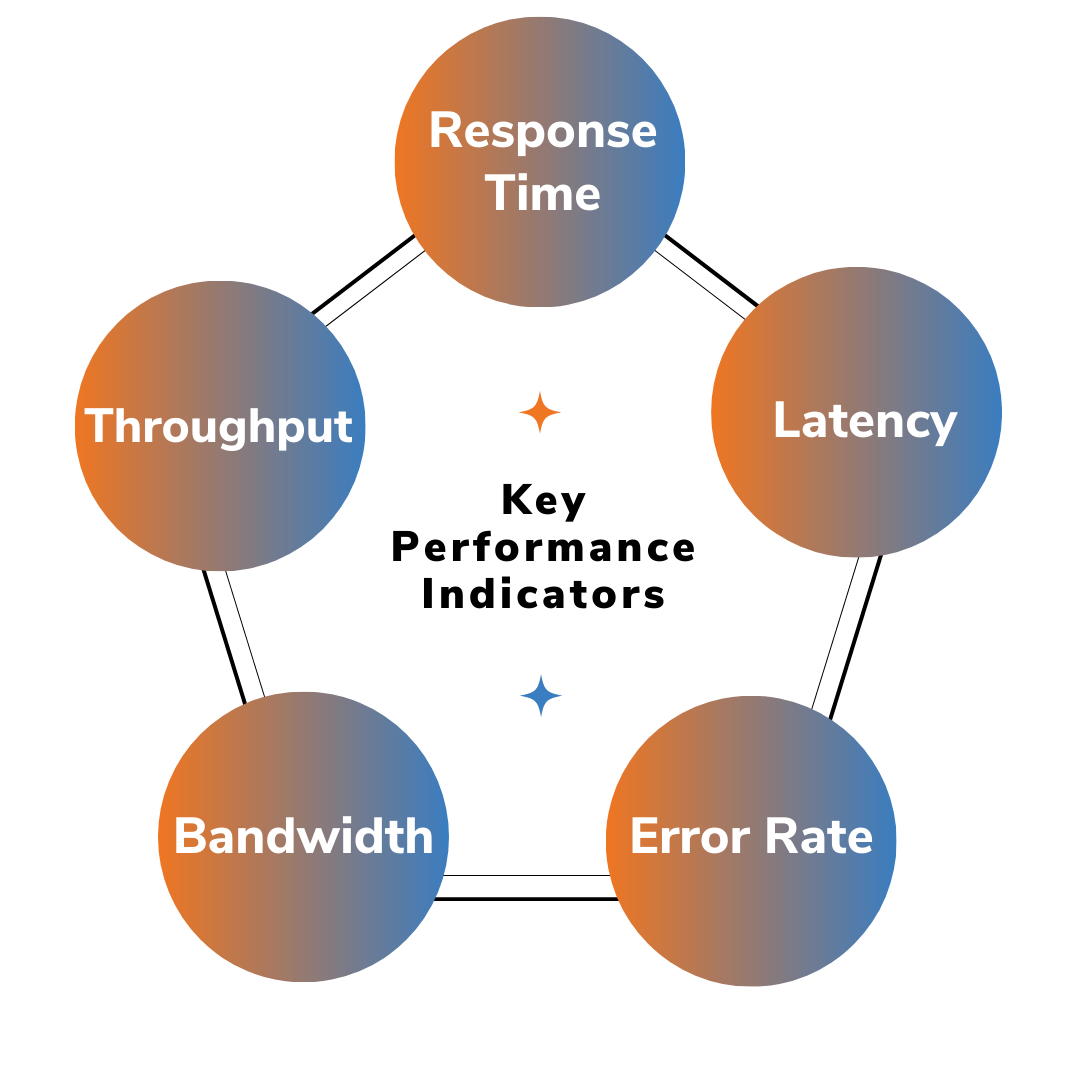
Several performance testing metrics, or key performance indicators (KPIs), can help an organization evaluate its current performance. Performance metrics commonly include:
- Response time: Time taken for a system to respond to a request.
- Throughput: The number of requests a system can handle per second.
- Latency: Time taken for a request to be processed.
- Error rate: The number of errors or failures that occur during testing.
- Resource utilization: the amount of CPU, memory, and other resources used by the system.
- Scalability: The ability of a system to handle increasing loads.
- Stability: The ability of a system to maintain performance over time.
- Resource allocation: The ability of a system to distribute resources efficiently.
- Concurrency: The ability of a system to handle multiple requests simultaneously.
- Network utilization: The number of network resources used by the system.
Types of Performance Testing
A QA professional can perform various types of performance testing. Performance testing can be done manually or through specialized performance testing tools. Some popular tools for performance testing include JMeter, LoadRunner, and Neoload. performance testing JMeter and the other tools allow you to set up and automate performance tests as well as track and analyze performance metrics.
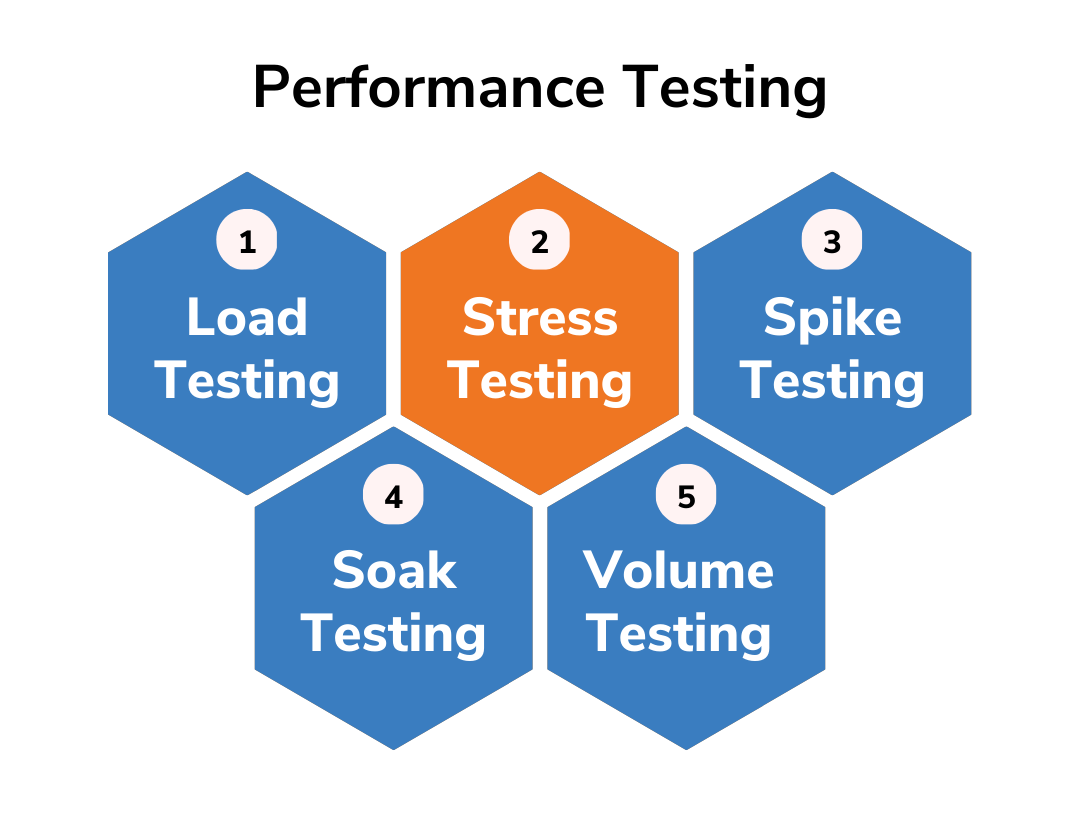
There are several types of performance testing, including load testing, stress testing, and endurance testing.
- Load testing involves simulating a certain number of users accessing the application at the same time to see how it performs under normal conditions.
- Stress testing involves increasing the workload on the application to see how it performs under extreme conditions.
- Endurance testing involves running the application for an extended period to see how it performs over time.
Performance Testing Tools
We use a variety of performance testing tools, such as the performance testing JMeter and other tools, depending on their needs and preferences. Let’s explore some of the most common tools for performance testing!
Apache JMeter: an open-source tool for load and performance testing.
Gatling: an open-source tool for load and performance testing.
LoadRunner: a commercial tool for load and performance testing by Micro Focus.
JUnitPerf: a JUnit extension for performance testing Java applications.
Selenium: an open-source tool for automating web browsers.
Apache AB: an open-source tool for benchmarking web servers and web applications.
HP Performance Center: a commercial tool for load and performance testing by Micro Focus.
AppDynamics: a commercial tool for monitoring and analyzing application performance.
Neoload: a commercial tool for load and performance testing.
WebLOAD: a commercial tool for load and performance testing.
It's important to note that some of these tools are better suited for different types of performance tests, such as load testing or stress testing. Additionally, it's important to evaluate the tool to see if it supports your application's technology stack and protocols.
Performance Testing Process
It is important to conduct performance testing early on in the development process to identify and address any potential performance issues before the application is released to the public. A systematic performance testing process flow should also be done regularly to ensure that the application continues to perform well as it evolves and is updated. There is a generic performance testing process for testers to conduct performance testing with different types of metrics. It is:
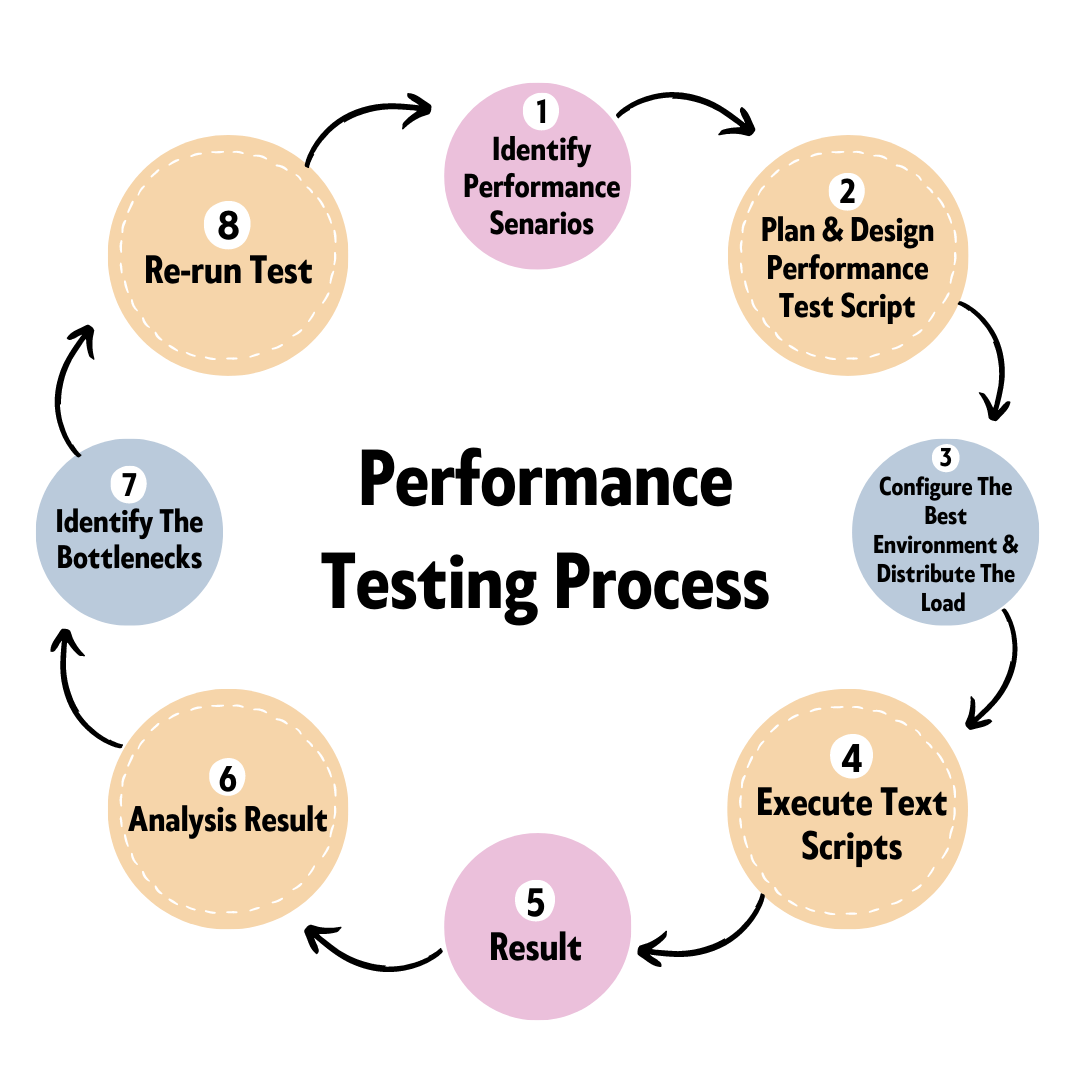
- Prior to starting a performance test, it is crucial to determine the testing environment.
- The next step in the performance testing process is to locate and specify the acceptable performance requirements so that the performance test can be planned accordingly.
- Following the planning stage, the test design environment is configured and implemented.
- Then we set resources aside to have the testing environment ready, and then put the test plan into practice.
- Finally, we execute the test.
Developers should keep an eye on the test while running it and follow the steps for performance testing accurately. We must review the outcome following analysis and retest. We also need to retest after any fine-tuning to determine whether performance has improved or declined. The finest testing tools for automating performance testing should be found by organizations. Additionally, between tests, testers shouldn't alter the testing conditions.
Performance Testing Challenges
While conducting performance testing, we often face many performance testing challenges. Some problems with performance testing are as follows: