The Great Mobile App Debate: Native or Hybrid Testing?
If you're a mobile app developer or just curious about mobile app development, you will know that there is a lot of talk when it comes to native vs hybrid apps.

If you're a mobile app developer or just curious about mobile app development, you will know that there is a lot of talk when it comes to native vs hybrid apps.
If you're a mobile app developer or just curious about mobile app development, you will know that there is a lot of talk when it comes to native vs hybrid apps. To know about testing native and hybrid apps, you need to know about the fundamentals, pros, and cons of each. In this blog, we'll explore the difference between native and hybrid apps, and the tools and methods used to test their functionality, performance, and behavior to ensure that your mobile app is up to par.
What is a Native app?
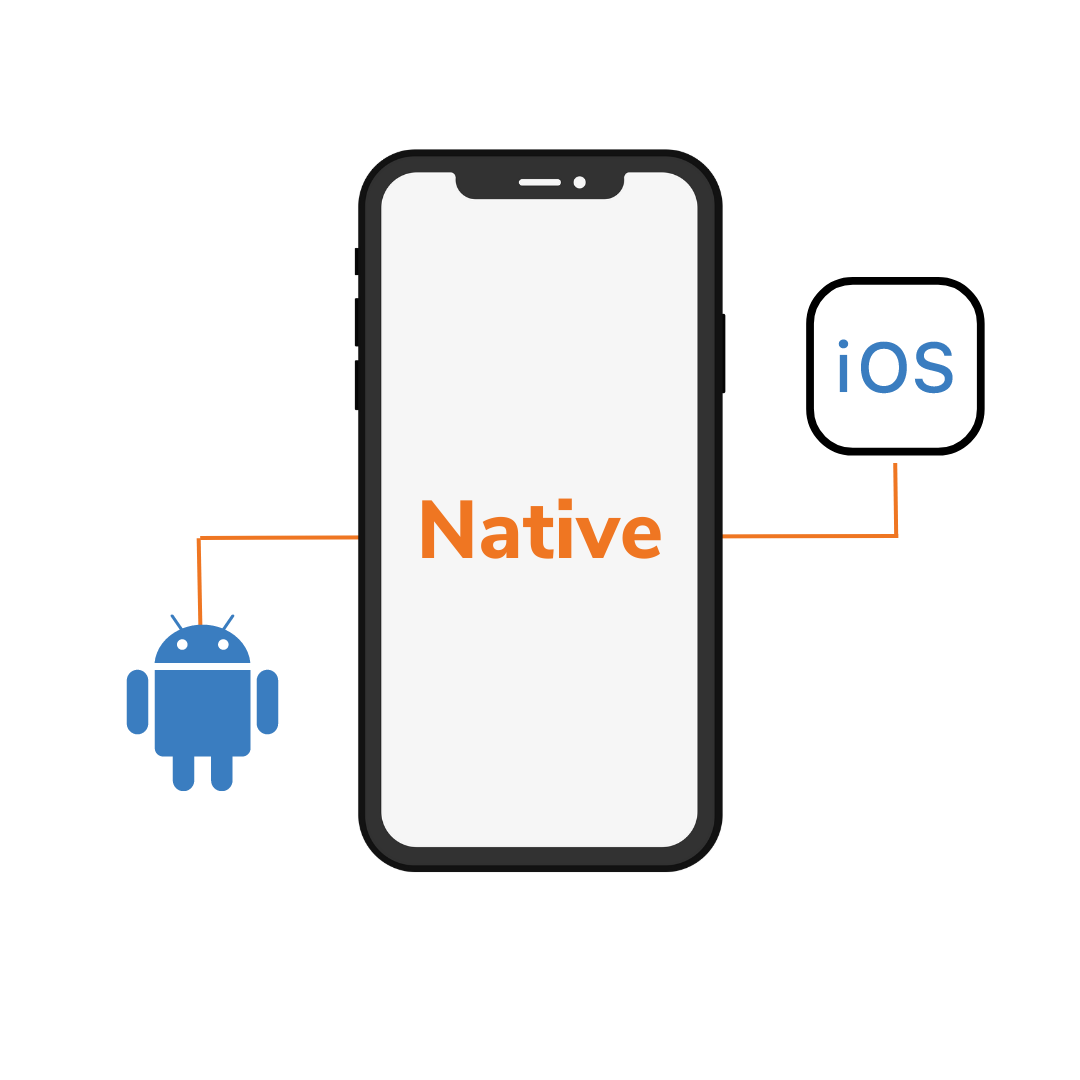
What does a native app mean? A native app is a software application developed specifically for a particular mobile platform or device, and is installed directly onto the device. Native apps are written in a programming language that is native to the device's operating system, such as Objective-C or Swift for iOS devices, or Java for Android devices.
Native apps are designed to take full advantage of the capabilities of the device, and can interact with the device's hardware, such as its camera, GPS, and other sensors. Since they are specific to a particular platform, native apps must be developed separately for each platform, and cannot be run on other platforms without significant modification. What are native app examples? Facebook and Twitter mobile apps!
Advantages of Native apps:
There are many advantages of native apps:
- Easy to download and install: We can download and install these applications on a device from the Google Play store or App store. These applications are accessed by the icons on the home screen.
- Dependable user experience: Native applications work the fastest and offer a reliable experience to the user.
- Can benefit from mobile features: One of the advantages of native mobile apps are that native applications can utilize mobile features proficiently such as GPS, camera, compass, contacts list, and many more.
- Work offline: Native applications can work offline by using the notification system of the device. It can be done by using push notifications and by alerting users every time a new piece of content is published, or if the user's attention is required.
Disadvantages of Native apps:
Having said that, there are also disadvantages of native apps that you need to be aware of.
- Platform-specific development: Native applications developed on one platform will not run on another platform. These applications are particularly developed for one platform.
- Maintenance of native applications: A large amount of budget is required to develop a native application that will be compatible with multiple platforms and to keep the application updated. The update of the applications can be done on the App Store or Google play store.
- Cost of upkeep: The maintenance of native applications is generally on the higher side.
Examples of Native apps:
Here are a few examples for native apps:
WhatsApp: A messaging app that allows users to send text, voice, and video messages, as well as make voice and video calls.

Spotify: A music streaming service that allows users to listen to millions of songs and podcasts.

Pokemon Go: An augmented reality game where players can capture, battle, and train virtual creatures (Pokemon) in the real world.

SoundCloud: A platform for discovering, sharing, and streaming music, podcasts, and other audio content.

These are just a few examples for native apps, as there are countless native apps available on various platforms.
What is a Hybrid app?

Now that you are aware of what are native apps, let’s take a look at what is hybrid app. A hybrid app is a software application that combines elements of both native apps and web apps. Like a native app, it is installed on a device and can be accessed from an app icon on the home screen. However, unlike a native app, which is written in a programming language that is native to the device's operating system, what you need to know about what are hybrid applications is that they are essentially web apps that are packaged in a native app wrapper. In other words, it is built using web technologies, such as HTML, CSS, and JavaScript, and is run inside a native app that provides a web view for the app to run in.
Advantages of Hybrid apps:
Now, let’s take a look at the advantages of hybrid apps.
- Cross-Platform Compatibility: Hybrid apps can work on various platforms. It means that they can operate on both iOS and Android, as they have a single code base. Since developers have to create a single codebase.
- Easy to maintain: One of the best benefits of hybrid apps is that the maintenance and development of hybrid applications is simple.
- Cost-effective: Among the advantages of hybrid app development is the building of Hybrid applications. They are cheaper than native applications.
Disadvantages of Hybrid apps:
Like two sides to the same coin, there are also disadvantages of hybrid mobile apps.
- Reliance on Internet Connectivity: Requirement of an uninterrupted internet connection to work.
- Performance and speed limitations: One of the demerits of hybrid apps is that they are slower than the native applications.
Examples of Hybrid apps
Here are a few examples of hybrid apps:
Twitter: A social media platform for sharing short messages, called "tweets," with a global audience.

Gmail: A free email service offered by Google that allows users to send and receive emails.

Instagram: A social media platform for sharing photos and videos.