Mastering Website Stability (Part 2): Proven Strategies to Prevent Website Crashes
In Mastering Website Stability (Part 1), we spoke about the threats that cause website crashes. In Part 2, let’s take a look at the common pitfalls that can lea
In Mastering Website Stability (Part 1), we spoke about the threats that cause website crashes. In Part 2, let’s take a look at the common pitfalls that can lea
In Mastering Website Stability (Part 1), we spoke about the threats that cause website crashes. In Part 2, let’s take a look at the common pitfalls that can lead to website crashes, website performance optimization, and strategies to steer clear of website crashes so website security is always a priority!
Pitfalls that Lead to Website Crashes
Here are a few common website errors that lead to website crashes:
1. HTTP Errors

- HTTP errors are a common cause of website crashes.
- These errors occur when there's a problem with the client's request or the server's response.
- For instance, a 404 error indicates that the requested page doesn't exist, while a 500 error signifies a server-side issue.
Solution: For HTTP error resolution, regularly monitor your website for broken links and ensure your server is properly configured and maintained.
2. Missing Metadata
- Metadata, the information about your website's content, plays a vital role in website stability.
- Incorrect or missing metadata can lead to issues with search engine indexing, negatively impacting your site's visibility and stability.
Solution: Ensure your metadata is accurate, complete, and optimized for search engines to enhance website stability.
3. Maintain Balance in Content

- While content is king, too much of it can slow down your website and lead to crashes.
- On the other hand, too little content can affect your website's search engine ranking.
- Content balance for SEO is key.
Solution: Regularly review your content to ensure it's relevant and valuable to your audience, and optimize images and videos to prevent them from slowing down your site.
4. Tackling Duplicate Content

- Duplicate content can confuse search engines and lead to indexing issues, which can indirectly cause website crashes.
Solution: Use canonical tags to indicate the preferred version of a page, and regularly audit your site for duplicate content removal. If found, either delete the duplicate or update it to provide innovative value.
5. Navigating Domain Dynamics

- Domain renewal importance is key and your domain's configuration can significantly impact your website's stability.
- For instance, issues with DNS settings can make your website inaccessible.
Solution: Regularly review your domain settings, ensure your DNS is correctly configured, and consider using a reputable DNS provider to enhance stability.
6. Visual Enhancement through ALT Text
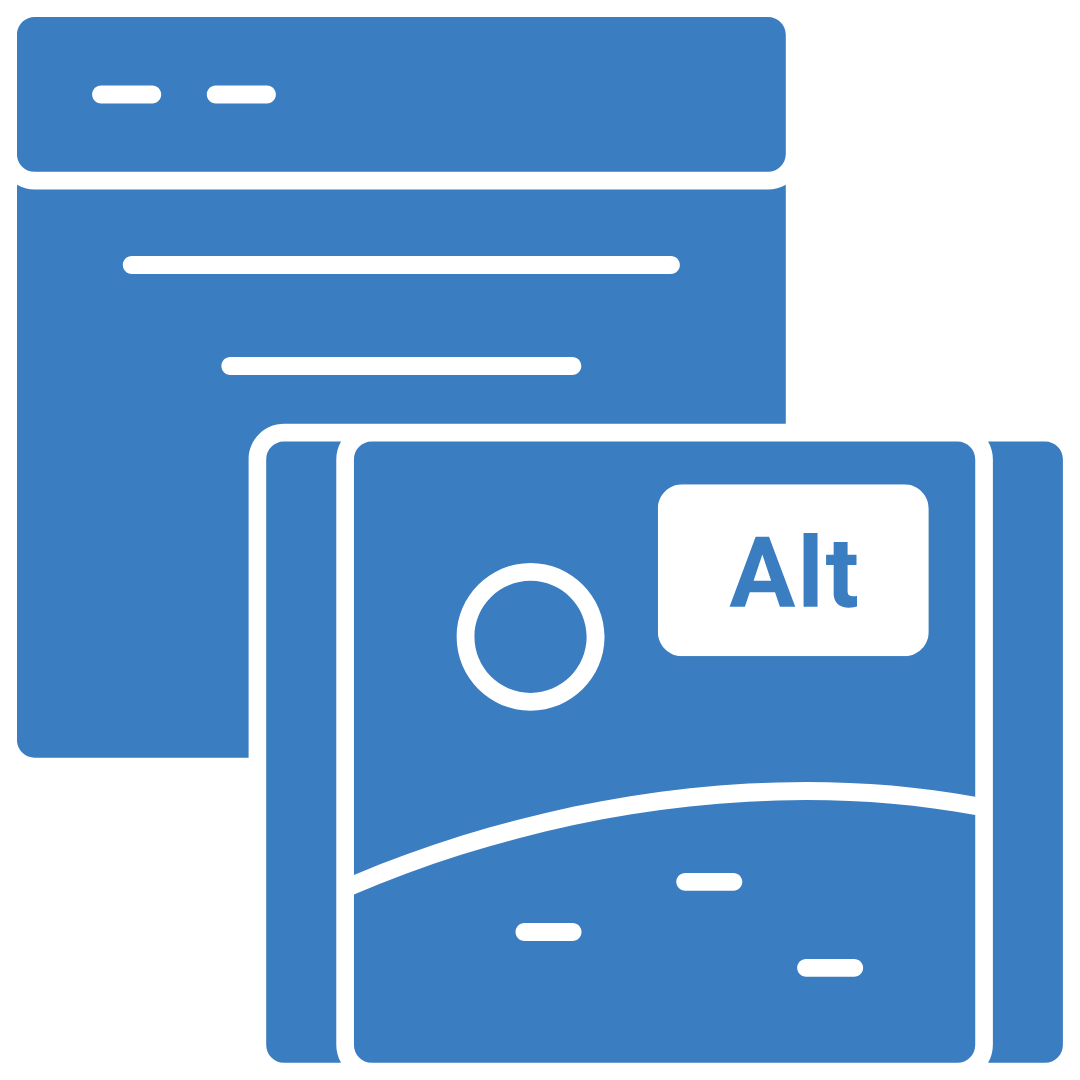
- ALT text is a description of an image that helps search engines understand the image content.
- Create ALT text for images to improve website accessibility for visually impaired users.
- However, missing or incorrect ALT text can lead to issues with search engine indexing.
Solution: Ensure all your images have relevant and accurate ALT text to enhance website stability.
Why Does Your Website Break?

1. CMS Complexities: User-Induced Errors
CMS might empower, but mishandling can lead to unintended consequences. So follow CMS best practices and limit admin roles to mitigate risk.
2. Compatibility Issues
Browser updates may create browser compatibility issues. Stay vigilant to maintain a seamless user experience.
3. Hardware Woes
Hardware problems detected? Hardware glitches can disturb harmony so address them swiftly to ensure steady performance.
4. Firewall Dilemma
Here are a few firewall setup tips: Secure your site, but ensure internal accessibility. Strike a balance between protection and user experience.
5. Software Update Problems
Software updates can disrupt equilibrium. Conduct software upgrade management and navigate updates skillfully for a seamless digital experience.
6. Third-Party Synchronization Challenges
Follow third-party integration guidelines and integrate third-party elements cohesively. Stay informed to prevent unwelcome surprises.
7. Malware
Stay up-to-date on malware prevention strategies. Computer viruses can destabilize a website. Fortify your digital fortress against these threats.
8. Pop-Up Paradox: Overcoming Hurdles
Pop-up blockers and software can obstruct user journeys. Master pop-up handling tactics and Maneuver around hurdles for smooth navigation.
Strategies To Steer Clear of Website Crashes
1. Load Testing: Bolstering Your Website's Resilience

For website resilience enhancement, one strategy stands as a safeguard against chaos: Load Testing.
- Evaluate how website performs: Load testing is a type of performance testing that assesses how your website performs under a specific load, such as a high number of users or transactions.
- Recognize bottlenecks: By simulating these conditions, you can identify any bottlenecks or performance issues that could lead to a crash and so handle user experience enhancement.
- Proactively address issues: Regular load testing allows you to proactively address these issues and ensure your website can handle peak traffic periods.